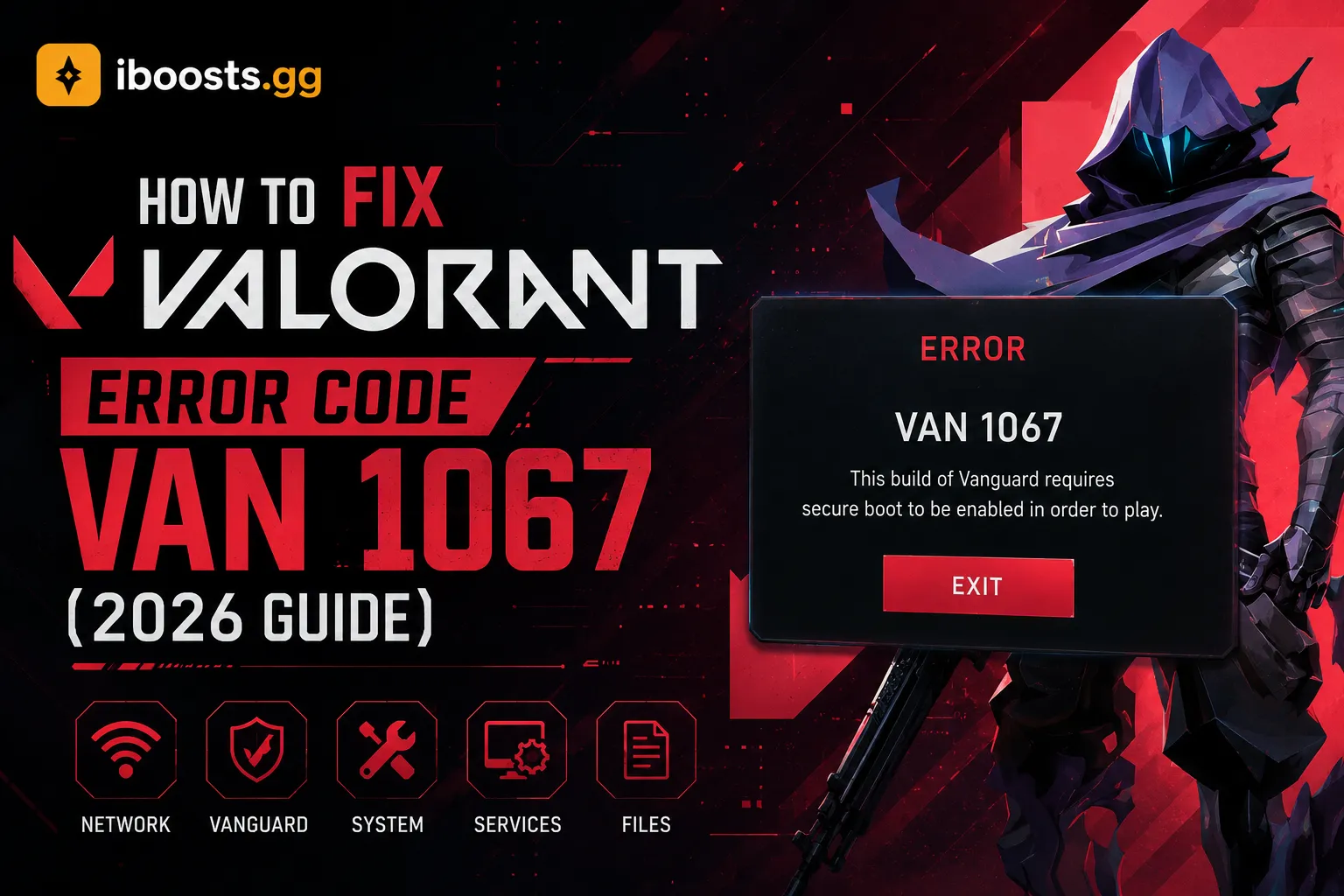
01 What is VAN 1067?
Valorant Error Code VAN 1067 is one of the most frustrating errors you can encounter. It completely prevents you from launching the game and is directly tied to Riot Games' Vanguard anti-cheat system. Specifically, Vanguard requires modern security features to be enabled on your Windows operating system to ensure a cheat-free environment.
If you're seeing this error, it means your PC is missing either TPM 2.0 or Secure Boot, which are mandatory requirements for Vanguard on Windows 11.
02 How to Fix It (Step-by-Step)
Don't worry, fixing this does not require buying new hardware. You simply need to enable these features in your computer's BIOS.
- Step 1: Restart your PC and enter BIOS. While your computer is turning on, rapidly tap the BIOS key (usually F2, F12, DEL, or ESC depending on your motherboard).
- Step 2: Enable Secure Boot. Navigate to the "Boot" or "Security" tab. Find "Secure Boot" and change the setting from Disabled to Enabled. If it says "Setup Mode", you may need to restore factory secure boot keys first.
- Step 3: Enable TPM 2.0. In the "Security" or "Advanced" tab, look for "Trusted Computing", "Intel PTT", or "AMD fTPM". Enable this setting.
- Step 4: Save and Exit. Press F10 to save your changes and reboot your PC.
Once Windows boots back up, launch Riot Client as an Administrator and Valorant should open flawlessly without the VAN 1067 error.
While you're fixing your game, check out our premium Valorant Accounts to jump back into the action with rare skins, or grab a Valorant Rank Boost if the downtime hurt your MMR!